Printing costs often go unnoticed in daily operations. Yet they add up quickly across departments and teams. Many companies overlook how small habits increase long-term expenses. In fact, unmanaged printing creates waste without clear visibility. Companies still rely on printed materials for key tasks. Reports, contracts, and internal documents remain common. However, businesses can reduce printing costs by making simple and smart adjustments. To begin with, a clear strategy helps balance savings and efficiency without slowing work.
Audit Your Current Printing Environment
Every improvement starts with understanding printing management. Businesses should review all devices, including printers, copiers, and scanners. This step reveals how often each device is used and where waste occurs. For example, some printers may sit idle while others handle excessive workloads.
It also helps to track who prints and how often. Departments often have very different printing habits. Companies can spot patterns that increase costs. This includes frequent color printing or large print jobs. A full audit highlights areas where changes bring immediate savings.
Reviewing supply usage gives deeper insight into spending. Businesses should check how often toner and paper are replaced. This reveals whether usage aligns with actual needs. Frequent replacements may signal inefficient settings or behavior.
Implement Print Management Software
Print management software gives businesses better control over printing activity. It tracks usage in real time and shows where resources go. In addition, managers can set rules that reduce unnecessary printing.
These tools also allow companies to assign permissions. Employees may need approval for large or color print jobs. Consequently, waste drops without limiting access to essential printing. Reports generated by the software also help track progress over time.
Many systems also offer secure printing features, and businesses should always improve the technology they use. Employees must confirm their print jobs at the device before printing. This prevents unclaimed documents from being wasted. Paper and ink usage decrease without effort.
Another benefit is cost allocation. Businesses can assign printing costs to specific departments or projects. This improves accountability and budgeting. Over time, teams become more aware of their printing habits and adjust accordingly.

Align Printing Strategy with Storage and Logistics Efficiency
Printing habits often connect with storage and logistics decisions. Excess printing leads to more physical documents that require space. Companies may rely more on storage services than necessary. This is where understanding how to save money on warehousing services can have a big impact on your costs. Reducing printed materials lowers storage needs and cuts related expenses.
In many cases, printed records are stored for long periods without a clear purpose. This creates unnecessary storage costs and reduces efficiency. Digital document management removes the need for physical storage. By shifting to digital systems, businesses can reduce printing costs while also lowering warehousing expenses.
Another important factor is document retrieval. Physical files take longer to locate and manage. In contrast, digital systems allow instant access and better organization. This improves workflow and reduces time spent searching for documents.
Optimize Printer Fleet and Device Placement
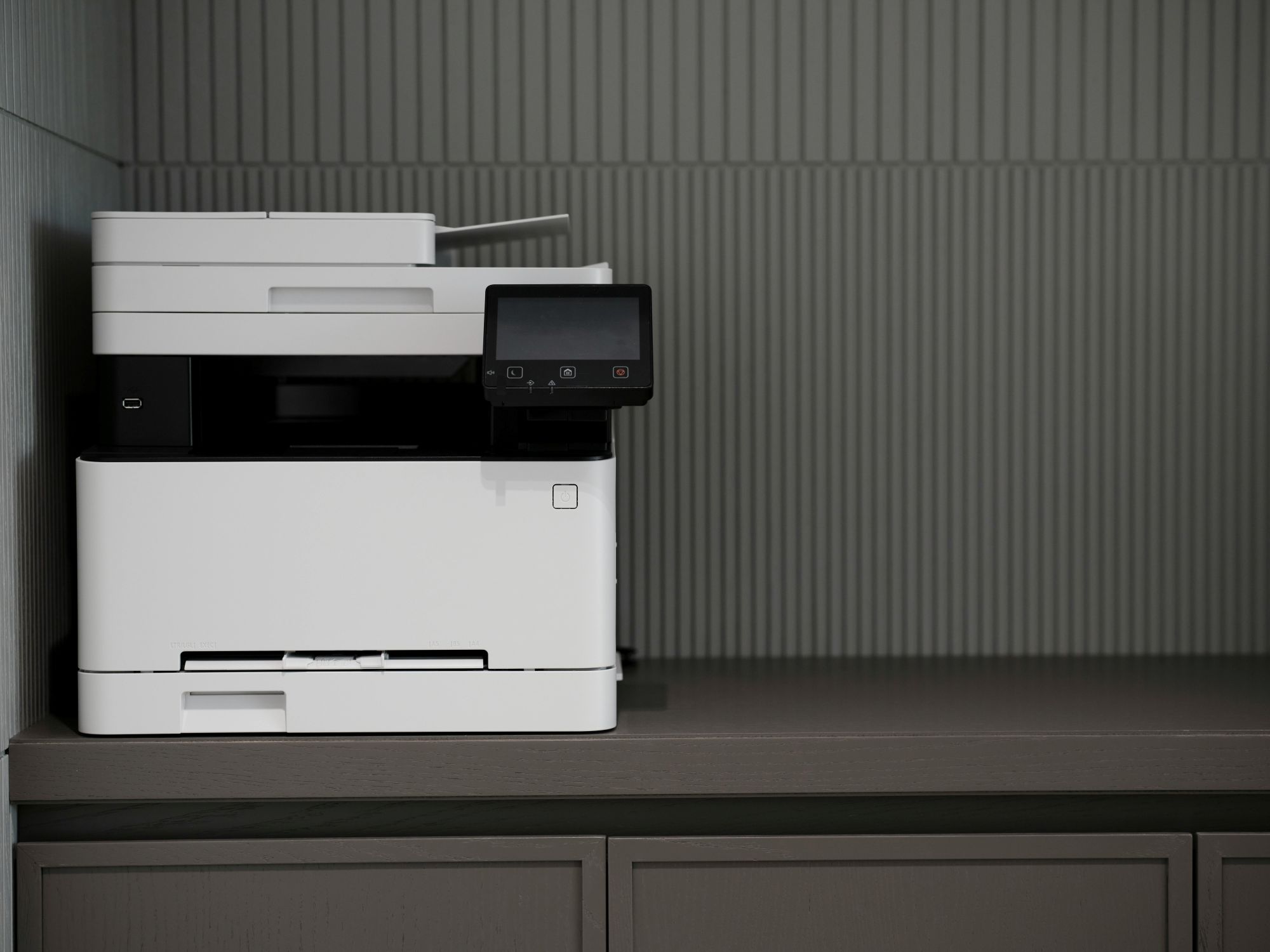
Many offices have more printers than needed. Extra devices increase maintenance, supply, and energy costs. Reducing the number of machines can lower expenses quickly. Fewer devices are easier to manage.
Placement also plays an important role. Printers placed far from desks discourage unnecessary printing. On the other hand, poorly placed devices may slow down work. Businesses should aim for a balance that supports efficiency while reducing overuse.
Centralizing printing areas can also improve control. Shared devices reduce the number of personal printers in use. This leads to lower supply consumption. Shared devices are often more efficient and cost-effective.
Standardizing printer models is another smart move. Using similar devices simplifies maintenance and supply ordering. It also reduces training time for employees. Operations become more consistent and easier to manage.
Encourage Digital Workflows Over Paper
Digital tools offer a strong way to cut printing needs. Cloud platforms allow teams to share and edit documents without printing them. Moreover, modern digital storage reduces the need for physical filing systems.
Electronic signatures also remove the need for printed contracts. This saves time and paper across departments. Even so, employees need proper training to adopt these tools. Clear guidance helps teams move away from paper without confusion.
Collaboration tools also support real-time editing. Teams can review documents together without printing drafts. This way, fewer revisions are printed, which reduces waste.
Another advantage is improved document access. Employees can find files quickly through search functions. There is less need to print copies for reference. Digital workflows increase speed while lowering costs.

Set Default Print Settings for Cost Efficiency
Default settings influence printing behavior more than expected. Setting printers to double-sided printing can cut paper use in half. Likewise, grayscale printing reduces ink costs over time.
High-quality printing should remain available when needed. However, it should not be the default option. By doing this, companies prevent unnecessary use of expensive settings. Small changes in defaults lead to consistent savings across all users.
Limiting color printing to specific roles can also help. Some departments may require color, while others do not. In contrast, unrestricted access often leads to overuse.
Another adjustment is setting page limits for large documents. Employees may need confirmation before printing long files. They reconsider whether printing is necessary. These small controls shape better habits.
Businesses Can Reduce Printing Costs with Employee Awareness
Employees play a key role in controlling printing costs. Many people are unaware of how their habits affect expenses. For this reason, education is essential for long-term change.
Sharing usage reports can increase accountability across teams. Departments can track their progress and adjust behavior. In turn, this creates a sense of responsibility. Incentives can also encourage teams to reduce waste without pressure.
Workshops and short training sessions can reinforce best practices. Employees learn when printing is necessary and when it is not. Clear guidelines remove confusion.
Visual reminders near printers can also influence behavior. Simple messages can encourage double-sided printing or digital alternatives. Over time, these reminders shape consistent habits across the workplace.

Summary: Sustainable Savings Without Sacrificing Productivity
Reducing printing costs does not require major disruption. Instead, it involves a series of practical steps that improve efficiency. Overall, these strategies help businesses maintain productivity while cutting waste. In the long run, businesses can reduce printing costs by combining smart tools, better habits, and clear policies. Ultimately, consistent effort leads to lasting savings and a more efficient workplace.